By Francisco Mastromarino, Founder, Quick.bot · May 26, 2026
Common Mistakes in WhatsApp Chatbots (and How to Avoid Them)
WhatsApp chatbots can improve customer support, lead generation, and sales, but only when they are designed correctly.
Many businesses implement automation expecting better engagement and faster conversions, yet end up creating frustrating experiences that users quickly abandon.
The issue lies not in WhatsApp automation itself, but in the way most chatbots are constructed. Among the primary factors contributing to chatbot underperformance are generic responses, mechanical dialogue, inadequate flow design, and insufficient personalization.
In this guide, you’ll learn the most common mistakes in WhatsApp chatbots and how to avoid them using practical strategies that improve engagement, user experience, and conversion rates.
What makes WhatsApp chatbots different?
WhatsApp chatbots differ from traditional website chatbots because users expect faster, more personal, and conversation-driven interactions within messaging apps.
Unlike website visitors who casually browse pages, WhatsApp users usually have a clear intent, such as asking for support, checking pricing, or making a purchase. This means conversations need to feel direct, natural, and responsive.
WhatsApp also fosters a more personal communication environment because users interact through a mobile messaging app that they use daily. Because of this, slow responses, robotic messages, or confusing flows feel far more frustrating than those from website chatbots.
Successful WhatsApp chatbots focus on short conversations, guided interactions, quick replies, and timely follow-ups that align with real messaging behavior.
Why most WhatsApp chatbots fail?
Most WhatsApp chatbots fail because they prioritize automation over user experience. Many businesses build chatbots that focus on answering messages rather than guiding users toward a clear outcome, such as support resolution, lead capture, or conversion.
Generic replies, long conversation flows, and confusing navigation create friction that causes users to leave quickly. Another major issue is the lack of personalization, where every user receives the same responses regardless of intent or behavior.
Poor timing, delayed replies, and missed follow-ups also significantly reduce engagement. Some chatbots become too rigid, forcing users through fixed flows without giving them flexibility or access to human support.
In short, WhatsApp chatbots fail when they feel robotic, slow, and disconnected from the way real conversations naturally unfold on messaging platforms.
Common mistakes in WhatsApp chatbots (and how to avoid them)
Now, let’s see the common mistakes in WhatsApp chatbots and how to fix them. Without further ado, let’s get into the list.
Mistake 1: Sending generic welcome messages
Generic welcome messages are one of the biggest reasons users lose interest in WhatsApp chatbot conversations. Messages like “Hello, how can I help you?” are too broad and do not guide users toward any specific action.
Since WhatsApp users usually have a clear intent, they expect quick and direct interactions. A weak opening creates confusion and increases the likelihood that users will leave the conversation early.
To avoid this, use goal-oriented welcome messages that immediately tell users what they can do next. For example, instead of a generic greeting, use something like “Looking for pricing, support, or a demo? I can help you in seconds.”
Strong openings improve engagement and keep conversations moving forward.
Mistake 2: Asking too many questions
One of the fastest ways to lose users in a WhatsApp chatbot is by making the conversation too long. Every extra question adds friction and increases the likelihood that users will drop off before completing the action.
Many businesses try to collect too much information upfront, even when it is not immediately necessary. This makes the interaction feel slow and frustrating. To avoid this, ask only the questions required to move the user toward the goal, such as booking, support, or lead capture.
Keep flows short, use progressive qualification when needed, and collect additional details later in the process. Simpler conversations usually lead to higher engagement and better conversion rates.
Mistake 3: Not using quick replies or buttons
Forcing users to type every response creates unnecessary friction and slows down conversations.
On WhatsApp, users expect fast and simple interactions, especially on mobile devices. When chatbots rely too heavily on open text inputs, users may lose interest, make typing mistakes, or abandon the conversation entirely.
Quick replies and buttons solve this problem by guiding users through structured choices with minimal effort. They make conversations faster, easier to navigate, and more conversion-focused.
To avoid this mistake, use buttons for common actions like pricing, booking, support, or product selection. Guided interactions improve user experience and help keep conversations moving smoothly toward the intended goal.
Mistake 4: Making conversations too robotic
WhatsApp is a personal messaging platform, so users expect conversations to feel natural and human-like. Chatbots that use overly formal language, repetitive replies, or rigid conversation patterns often feel robotic and frustrating.
This creates a poor user experience and reduces engagement because users feel they are talking to a system rather than receiving real help. To avoid this, keep responses short, conversational, and easy to understand.
Use natural language, vary message structure, and personalize replies based on user input whenever possible. The goal is not to pretend the chatbot is human, but to make the interaction feel smooth, helpful, and comfortable for the user.
Mistake 5: No clear CTA in the flow
Many WhatsApp chatbots provide information but fail to guide users toward the next action. Users may finish reading a response but still not know what to do next, often leading to drop-offs and lost conversions.
A chatbot should always move the conversation toward a clear goal, such as booking a demo, contacting support, making a purchase, or submitting details. Without a strong CTA, the conversation becomes passive instead of action-driven.
To avoid this, add direct, visible actions throughout the flow, such as “Book a Demo,” “Get Pricing,” or “Talk to Sales.” Clear CTAs help users make faster decisions and improve overall chatbot performance.
Mistake 6: Ignoring user intent
Ignoring user intent is a critical mistake that leads to irrelevant responses and poor chatbot performance. When a chatbot does not recognize what the user actually wants, it often pushes them through a generic flow that does not match their needs.
This creates frustration and increases the likelihood that users will abandon the conversation. For example, a user asking for pricing should not be guided through a long support or onboarding flow.
To avoid this, design your chatbot to detect intent early and adjust responses accordingly using conditional logic. Aligning messages with user intent makes conversations more relevant, efficient, and conversion-focused.
Mistake 7: No human handoff option
A common WhatsApp chatbot mistake is forcing users to stay within automated flows even when they need real assistance.
Not every query can be handled effectively by a bot, especially complex, high-value, or emotionally sensitive requests. When users cannot reach a human agent, frustration increases and conversions drop. This creates a poor experience and reduces trust in the brand.
To avoid this, always include a clear human handoff option in the chatbot flow, especially at key decision points such as pricing, complaints, or purchase intent. A smooth transition to a real person improves user confidence and helps close more conversions that automation alone may miss. For the full mechanics — triggers, context transfer, queues and SLAs — see our complete guide to chatbot-to-human handoff on WhatsApp.
Mistake 8: Poor follow-up strategy
A weak follow-up strategy causes many WhatsApp chatbot leads to go cold even after initial engagement.
Users often show interest but do not complete actions immediately, and without timely reminders or re-engagement messages, those opportunities are lost. Many chatbots either do not follow up at all or send generic messages that fail to bring users back into the conversation.
To avoid this, design follow-ups based on user behavior, such as incomplete flows, unanswered questions, or high-intent actions like pricing inquiries. Well-timed and relevant follow-ups help re-engage users, reduce drop-offs, and significantly improve overall conversion rates.
Mistake 9: Over-automating everything
Over-automating a WhatsApp chatbot can make the experience rigid and frustrating for users. When every interaction is forced down predefined paths with no flexibility, users lose the ability to express themselves naturally or to get help in unique situations.
This often leads to incomplete conversations and reduced trust in the system. Not every step needs automation, especially in complex or high-intent scenarios where human input adds value.
To avoid this mistake, balance automation with flexibility by allowing free-text inputs where needed and providing a clear option to connect with a human. The goal is to support users efficiently, not restrict them with overly strict flows.
Mistake 10: Not tracking performance
Many businesses launch a WhatsApp chatbot and assume it will perform well without monitoring results. This is a major mistake because chatbot optimization depends heavily on data and user behavior.
Without tracking performance, you cannot identify where users drop off, which messages cause friction, or why conversions are low. Metrics like response rate, completion rate, conversion rate, and drop-off points are essential for improving chatbot effectiveness — our guide to WhatsApp chatbot analytics covers which ones actually predict revenue, and how to find the exact block where users abandon.
To avoid this mistake, regularly analyze conversation data and test different flows, messages, and CTAs. Continuous tracking helps you identify weak areas quickly and make informed improvements that increase engagement and conversions over time.
Mistake 11: Delayed responses and poor timing
Slow or poorly timed responses can significantly reduce engagement with WhatsApp chatbots, as users expect near-instant replies in a messaging environment.
When a chatbot takes too long to respond or delivers messages at the wrong moment, the conversation feels broken, and users often lose interest. Poor timing also affects follow-ups: messages sent too early feel intrusive, and those sent too late lose relevance.
To avoid this mistake, ensure your chatbot responds instantly during active conversations and uses well-timed follow-ups based on user behavior. Proper timing keeps conversations smooth, maintains attention, and increases the likelihood that users complete the desired action.
Mistake 12: Not personalizing conversations
A one-size-fits-all chatbot experience reduces engagement because users expect responses that match their intent and context.
When every user receives the same messages regardless of their behavior, needs, or previous inputs, the conversation feels irrelevant and disconnected. This often leads to lower response rates and higher drop-offs.
To avoid this mistake, use personalization based on user inputs such as interests, intent, or stage in the journey. Even simple adjustments, such as addressing user needs differently for “pricing” vs. “support” queries, can significantly improve engagement.
Personalized conversations feel more relevant, build trust faster, and guide users more effectively toward conversion.
Mistake 13: Using long or confusing messages
Long and complicated chatbot messages overwhelm users and make conversations harder to follow. On WhatsApp, people expect quick, easy communication, not long blocks of text that are hard to read on mobile screens.
Confusing wording, too much information at once, or unclear instructions can quickly reduce engagement and increase drop-offs. To avoid this mistake, keep messages short, direct, and focused on a single point or action.
Break complex information into smaller messages and guide users step by step through the conversation. Clear and concise messaging makes interactions easier to understand and helps users move through the flow more comfortably.
Mistake 14: Failing to optimize for mobile experience
WhatsApp is primarily a mobile-first platform, so chatbot conversations must be designed for small screens and fast interactions.
Many businesses make the mistake of using long messages, large text blocks, or complicated flows that are difficult to navigate on mobile devices. This creates friction and causes users to lose interest quickly.
To avoid this, keep messages short, easy to scan, and visually clean. Use quick replies, buttons, and simple formatting to make interactions faster and more user-friendly. Every part of the chatbot experience should feel smooth and effortless on a smartphone, since that is where most users interact with WhatsApp conversations.
Mistake 15: Launching without testing real user flows
Many WhatsApp chatbots are launched without properly testing how real users interact with the conversation flow.
A chatbot may work perfectly in internal testing but still fail when actual users behave unexpectedly, skip steps, or ask questions differently. This often leads to broken flows, confusing responses, and poor user experiences. To avoid this mistake, test the chatbot using real-world scenarios before going live.
Simulate different user behaviors, devices, and conversation paths to identify weak points early. Pay close attention to confusing questions, drop-off stages, and response timing. Proper testing helps create smoother interactions and prevents costly user experience issues after launch.
Real example: bad WhatsApp chatbot vs optimized WhatsApp chatbot
Now, let’s take a look at a bad chatbot example and a good one so you can understand more about the situation.
Bad WhatsApp chatbot flow
- User: “I want pricing.”
- Bot: “Hello! Welcome to our support. How can I help you today?”
- User: “Pricing”
- Bot: “Please select one of the following options: product info, support, billing, or other.”
- User gets confused or drops off
- The bot continues with multiple unrelated questions
- No clear path to pricing or action
- The conversation ends without capturing the lead
This flow fails because it is generic, slow, and does not guide the user toward a clear outcome.
Optimized WhatsApp chatbot flow
- User: “I want pricing.”
- Bot: “Sure, is this for personal or business use?”
- User selects option
- Bot: “Great, how many users do you need?”
- User responds via quick reply
- Bot: “Got it. Want me to send pricing or book a quick demo?”
- User selects CTA
- Lead is captured and stored automatically
This flow works because it is direct, structured, and focused on a single goal, reducing friction and increasing conversions.
Best practices for high-converting WhatsApp chatbots
High-converting WhatsApp chatbots prioritize simplicity, speed, and clear user guidance over overly complex automation.
- Keep conversations short and focused: Avoid long flows and ask only the questions necessary to achieve the goal.
- Use quick replies and buttons: Reduce typing effort and guide users through structured interactions.
- Add clear CTAs throughout the flow: Tell users exactly what to do next, such as booking a demo or contacting support.
- Personalize responses whenever possible: Adapt messages based on user intent, behavior, or previous inputs to make conversations more relevant.
- Optimize response timing: Fast replies improve engagement, while timely follow-ups help recover lost conversions.
- Provide a human handoff option: Allow users to connect with a real person when automation is not enough.
- Track chatbot performance regularly: Monitor drop-offs, engagement, and conversion rates to identify areas that need improvement.
- Continuously test and optimize flows: Small changes in messaging, structure, or CTAs can significantly improve performance over time.
In short, the best WhatsApp chatbots feel natural, guide users clearly, and help them complete actions quickly and easily.
Tools that help improve WhatsApp chatbots
The right tools help businesses build better chatbot flows, automate follow-ups, track performance, and improve user experience on WhatsApp.
Chatbot builders
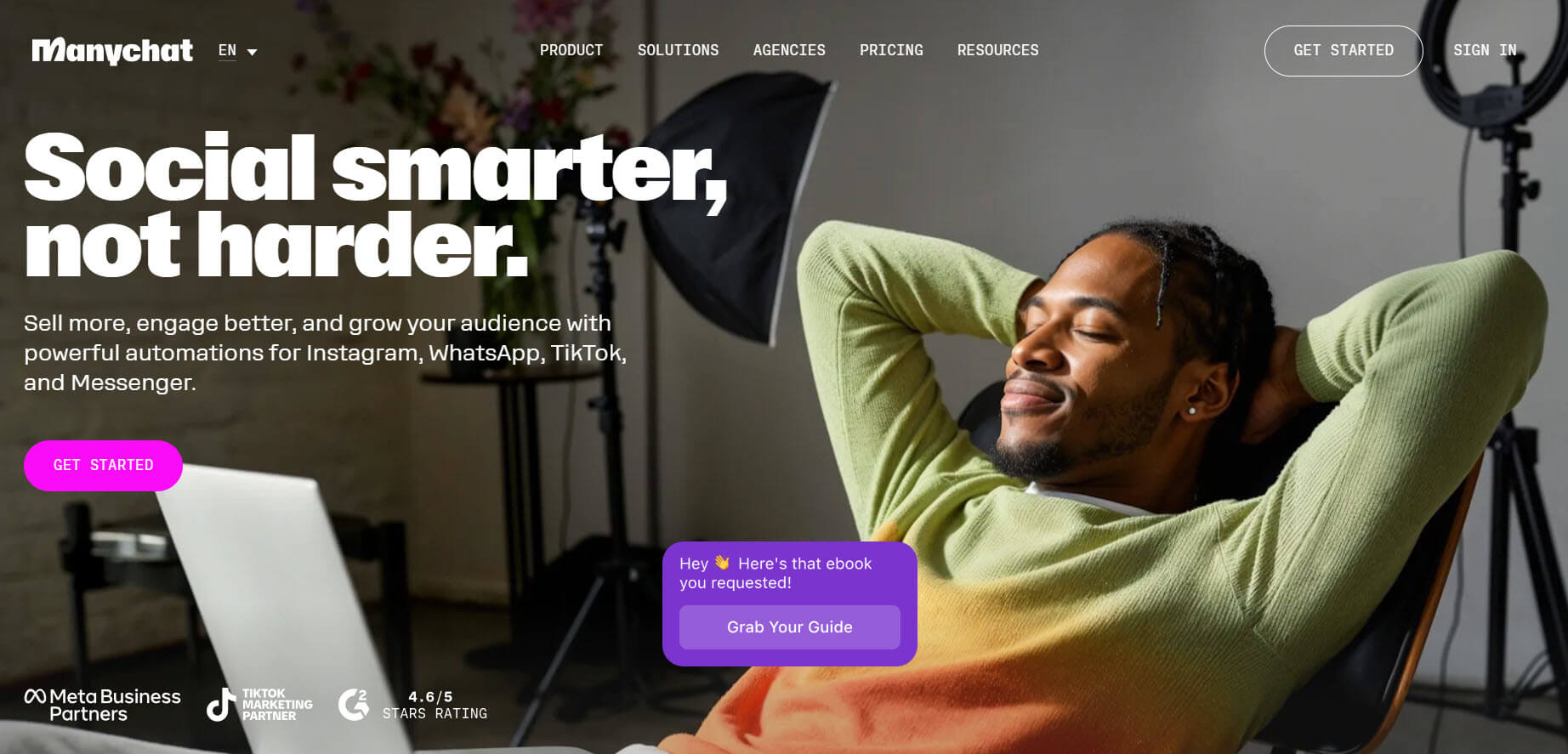
Platforms like ManyChat, Botpress, and Landbot help create structured WhatsApp chatbot flows with automation, conditional logic, and quick replies. These tools make it easier to build guided conversations without starting from scratch.
Automation platforms
Tools such as Make and n8n connect WhatsApp chatbots to CRMs, email tools, databases, and internal systems. This allows businesses to automate lead management, notifications, and follow-ups.
Analytics and tracking tools

Platforms like Google Analytics and Dashbot help track user engagement, conversion rates, and drop-off points. These insights are important for identifying weak spots in chatbot flows.
CRM and customer management tools

CRM platforms help store user data, track conversations, and improve personalization. Integrating your chatbot with CRM systems allows better lead qualification and follow-up management.
Key takeaway
High-performing WhatsApp chatbots are not built with a single tool. The best results come from combining chatbot builders, automation platforms, analytics, and CRM integrations to create faster, smarter, and more personalized conversations.
How to know if your WhatsApp chatbot needs improvement
A WhatsApp chatbot needs improvement when users engage with it but fail to complete actions like replying, booking, purchasing, or submitting their information.
One of the biggest warning signs is a high drop-off rate, where users leave the conversation before reaching the end of the flow. Low response rates, repeated unanswered questions, and poor lead quality are also strong indicators that the chatbot is not effectively guiding users.
Another common sign is users repeatedly asking to speak with a human because the chatbot cannot adequately meet their needs. Slow responses, confusing flows, and generic messages can also reduce engagement over time.
If your chatbot conversations generate activity but very few real outcomes, it usually means the flow, messaging, or user experience needs optimization.
Frequently asked questions
What are the most common WhatsApp chatbot mistakes?
The most common WhatsApp chatbot mistakes include generic welcome messages, asking too many questions, robotic conversations, a lack of clear CTAs, poor follow-up strategies, and no human handoff option. These issues create friction and reduce engagement and conversions.
Why do WhatsApp chatbots fail?
Most WhatsApp chatbots fail because they focus too much on automation and not enough on user experience. Long flows, irrelevant responses, poor timing, and lack of personalization often cause users to leave conversations early.
How can I improve engagement with my WhatsApp chatbot?
You can improve engagement by keeping conversations short, using quick replies, personalizing responses, adding clear CTAs, and responding quickly. Optimizing the flow based on user behavior also improves interaction quality.
Should WhatsApp chatbots sound human?
Yes, WhatsApp chatbots should feel conversational and natural. Users expect messaging interactions to feel personal, so overly robotic or formal replies can reduce trust and engagement.
How many questions should a WhatsApp chatbot ask?
A WhatsApp chatbot should ask only the questions necessary to complete the goal. Shorter flows generally perform better because they reduce friction and keep users engaged.
Do quick replies improve WhatsApp chatbot performance?
Yes, quick replies and buttons improve chatbot performance by reducing typing effort and guiding users through structured conversation paths more efficiently.
When should a WhatsApp chatbot transfer to a human?
A chatbot should transfer users to a human when conversations become too complex, when users repeatedly ask the same question, or when they show strong buying intent that requires personal interaction.
Why are follow-ups important in WhatsApp chatbots?
Follow-ups help recover users who did not convert during the first interaction. Timely reminders and re-engagement messages can significantly increase response and conversion rates.
How do I measure the performance of a WhatsApp chatbot?
You can measure performance using metrics like conversion rate, response rate, completion rate, and drop-off rate. These metrics help identify where users lose interest or drop out of the flow.
Can WhatsApp chatbots improve sales and lead generation?
Yes, well-optimized WhatsApp chatbots can improve lead generation, customer engagement, and sales by guiding users through faster and more personalized conversations.
Conclusion
WhatsApp chatbots can be highly effective for customer engagement, lead generation, and sales, but only when they are designed with the user experience in mind.
Most failures stem from common mistakes such as long flows, generic messaging, lack of personalization, and poor follow-up strategies.
These issues create friction and cause users to drop off before completing meaningful actions. When optimized correctly, WhatsApp chatbots should feel natural, fast, and helpful, guiding users step-by-step toward a clear outcome.
Using simple flows, quick replies, clear CTAs, human handoff options, and continuous optimization can significantly improve performance. The key is not just automating conversations, but designing them in a way that makes it easy for users to take action.