By Francisco Mastromarino, Founder, Quick.bot · May 20, 2026
How to Improve Chatbot Conversion Rates, Step by Step
Chatbot conversion rates improve when conversations are designed to guide users toward a clear action rather than just provide answers.
Most chatbots fail because they rely on generic replies, long flows, and unclear goals, which leads to drop-offs instead of conversions.
In this guide, you’ll learn how to improve chatbot conversion rates step by step using proven strategies that focus on user intent, flow optimization, and real outcomes.
This is ideal for marketers, SaaS teams, and businesses that want to turn chatbot interactions into leads, bookings, or sales rather than just conversations.
What is a chatbot conversion rate
A chatbot conversion rate is the percentage of users who complete a desired action after interacting with your chatbot. This action could be capturing a lead, booking a demo, completing a purchase, or any goal you define.
In simple terms, it measures how effective your chatbot is at turning conversations into results, not just interactions.
Basic formula:
Chatbot Conversion Rate = (Conversions ÷ Total Users) × 100
Example: If 100 users interact with your chatbot and 15 of them book a demo, your conversion rate is 15%.
What counts as a conversion
A conversion depends on your business goal. Common examples include:
- Lead captured (email or phone number)
- Demo or appointment booked
- Product purchased
- Form completed
- Qualified lead identified
Why it matters
Most businesses focus on chatbot responses, but responses do not drive revenue; conversions do. A chatbot with high engagement but low conversion is not effective.
Tracking conversion rate helps you:
- Identify drop-off points
- Improve conversation flows
- Optimize user experience
- Increase ROI from chatbot automation
In short, chatbot conversion rate tells you if your chatbot is actually working as a business tool, not just a messaging tool.
Why most chatbots fail to convert
Most chatbots fail to convert because they are designed to respond rather than guide users toward a specific outcome.
The biggest issue is a lack of a clear goal; many bots try to handle everything instead of focusing on a single action, such as lead capture or booking. Another major problem is that too many steps and long conversations lead to drop-offs and lower completion rates.
Generic responses also hurt performance because they do not match user intent or provide direction. Many chatbots fail to guide users effectively, leaving them unsure of what to do next and leading to abandonment.
Poor timing and a lack of follow-ups further reduce conversions, especially when users do not act immediately. Finally, the absence of human handoff options creates friction for high-intent users who want direct interaction.
In short, chatbots fail when they prioritize conversation over conversion and do not structure the flow around a clear, actionable outcome.
Step by step: how to improve chatbot conversion rates
In a nutshell, the methods you should follow are:
- Define one clear goal per flow
- Start with a strong opening message
- Reduce the number of questions
- Use quick replies instead of open inputs
- Ask high-intent qualification questions
- Personalize the conversation path
- Guide users step by step
- Add clear and direct CTAs
- Optimize response timing
- Capture leads early
- Add smart follow-ups
- Use social proof inside the flow
- Provide a human handoff option
- Track drop-off points
- Continuously test and optimize
Let’s take a closer look at each option.
1. Define one clear goal per flow

A chatbot flow should always be built around a single, clearly defined goal such as capturing a lead, booking a demo, or qualifying a user. When a chatbot tries to handle multiple objectives within a single flow, users get confused and are less likely to complete any action.
A focused flow keeps the conversation structured and reduces decision fatigue. For example, a lead generation flow should only aim to collect user details, not provide full support or onboarding.
Clear goals make it easier to design better questions, CTAs, and outcomes, which directly improve conversion rates.
2. Start with a strong opening message
The opening message sets the direction for the entire conversation and directly impacts whether users continue or leave. A weak or generic greeting like “Hi, how can I help?” does not prompt users to take any action.
Instead, your first message should clearly communicate value and present a simple choice. For example, “Looking for pricing or want to book a demo?” immediately frames the interaction and reduces confusion.
A strong opening message aligns with user intent, sets expectations, and encourages quick engagement, increasing the chances that users will move forward in the flow and convert.
3. Reduce the number of questions

Every additional question in a chatbot flow increases friction and increases the likelihood that users will drop off before completing the action. The goal is to collect only the information that is necessary to achieve the conversion.
Many chatbots fail because they ask too many low-value questions that do not contribute to the outcome. Instead, prioritize key inputs such as intent, budget, and timeline, and remove anything optional.
Shorter flows feel faster and easier, which keeps users engaged. The fewer steps it takes to reach the goal, the higher your chances of improving conversion rates.
4. Use quick replies instead of open inputs

Quick replies and buttons reduce effort and guide users toward predefined choices, which improves speed and completion rates.
Open-text inputs require users to think, type, and often guess what the bot expects, increasing friction and errors. By offering clear options like “Pricing”, “Demo”, or “Talk to sales”, you remove ambiguity and keep the conversation structured.
This also makes it easier to control the flow and apply logic based on selections. Use open inputs only when necessary, such as when collecting an email address. For most steps, guided responses convert better than free-form typing.
5. Ask high-intent qualification questions
High-converting chatbots focus on identifying serious users early by asking questions that reveal intent and readiness.
Instead of generic questions, ask ones that directly impact the conversion, such as what the user needs, their budget range, or when they plan to start. These inputs help you segment users and prioritize those most likely to convert.
For example, a user with a clear timeline and budget is far more valuable than someone just browsing. By qualifying users within the flow, you can personalize responses, trigger better follow-ups, and move high-intent users toward conversion faster.
6. Personalize the conversation path
Personalization improves conversions by making the conversation relevant to each user, rather than showing the same flow to everyone. Use conditional logic to change questions, responses, and CTAs based on user input.
For example, a user selecting “business use” should see different messaging than someone choosing “personal use.” This keeps the interaction aligned with their needs and reduces unnecessary steps.
Personalized flows feel more natural and engaging, which increases trust and completion rates. The more your chatbot adapts to user behavior and intent, the more effective it becomes at guiding users toward a conversion.
7. Guide users step by step

A high-converting chatbot should always guide users through a clear, structured path instead of leaving them to figure things out.
Each message should naturally lead to the next step, removing any uncertainty about what to do next. When users feel lost or unsure, they are more likely to drop off. Use simple instructions, clear options, and logical progression to move the conversation forward.
For example, after identifying intent, immediately ask the next relevant question instead of pausing the flow. A guided experience reduces friction, keeps users engaged, and increases the chances of completing the desired action.
8. Add clear and direct CTAs

A chatbot should always tell users exactly what to do next, instead of expecting them to figure it out. Clear calls to action like “Book a demo”, “Get pricing”, or “Talk to sales” remove confusion and move users toward conversion.
Many chatbots lose potential leads because they provide information but never guide users to take the next step. Place CTAs at key points in the flow, especially after delivering value or qualifying the user.
Strong, action-focused CTAs increase completion rates by turning passive conversations into goal-driven interactions that lead to measurable results.
9. Optimize response timing
Response timing affects how users perceive your chatbot and can directly impact conversions. Instant replies are important for keeping users engaged, especially at the start of the conversation.
However, replying too quickly in every step can feel robotic and unnatural. Adding slight delays in certain responses can make the interaction feel more human and thoughtful.
The key is balance: fast enough to avoid drop-offs, but natural enough to build trust. You can also use timing strategically for follow-ups, sending reminders after a delay to re-engage users who did not convert during the first interaction.
10. Capture leads early

Do not wait until the end of the conversation to collect important details, such as email or phone number.
Many users drop off before completing the full flow, which means you lose potential leads if you delay data capture. Instead, collect key information as soon as the user shows intent, for example, after they ask about pricing or services.
This ensures you can follow up even if they leave midway. Keep the request simple and low-friction, such as asking for just an email first. Early capture increases your chances of converting users beyond the initial interaction.
11. Add smart follow-ups
Most users do not convert during the first interaction, which is why follow-ups are critical to improving chatbot conversion rates. Smart follow-ups are triggered based on user behavior, such as incomplete flows, high intent actions, or inactivity.
For example, if a user asks for pricing but does not complete the flow, a follow-up message can remind them or offer help.
Timing matters: follow up too soon and it feels pushy, too late and you lose interest. Personalized, relevant follow-ups bring users back into the conversation and significantly increase overall conversions.
12. Use social proof inside the flow
Social proof increases trust and reduces hesitation, which directly improves conversion rates. Users are more likely to take action when they see that others have already used and benefited from your product or service.
You can include simple trust signals within the chatbot flow, such as “Trusted by 5,000+ businesses” or short testimonials at key decision points. Place these messages right before important actions, such as submitting details or booking a demo.
This reassures users and validates their decision, making them more confident to move forward and complete the conversion.
13. Provide a human handoff option

A chatbot should not try to handle every situation, especially when users show strong buying intent or ask complex questions. At this stage, offering a human handoff can significantly increase conversions.
High-intent users often prefer to speak with a real person before making a decision, and blocking that option creates friction. Add a clear option, such as “Talk to a human” or “Connect with sales,” at key points in the flow.
You can trigger this automatically based on intent signals such as pricing queries or repeated questions, ensuring users get the support they need to convert. Getting the transfer itself right — full context, one clear owner, and the bot going quiet — is covered in the complete guide to chatbot-to-human handoff.
14. Track drop-off points

You cannot improve conversions if you do not know where users are leaving the conversation. Tracking drop-off points helps you identify exactly which step is causing friction or confusion.
For example, if users consistently leave after a specific question, it may be too complex, irrelevant, or poorly timed. Use analytics tools to monitor completion rates at each step and compare performance across flows.
Once you identify weak points, you can simplify questions, adjust timing, or change messaging. Small improvements at critical drop-off stages can significantly increase overall chatbot conversion rates.
15. Continuously test and optimize

Improving chatbot conversion rates is not a one-time task; it requires ongoing testing and refinement. User behavior changes over time, and what works today may not perform the same later.
Regularly test different versions of your flows, messages, and CTAs to identify what drives better results. A/B testing can help you compare variations and make data-driven decisions.
Focus on optimizing high-impact areas like opening messages, key questions, and conversion steps. Continuous improvement ensures your chatbot stays effective, adapts to user needs, and consistently delivers higher conversion rates over time.
Real example: high-converting chatbot flow
A high-converting chatbot flow guides users step-by-step toward a clear outcome rather than just answering questions.
Example: Lead Capture and Qualification Flow
- User: “I want pricing.”
- Bot: “Sure, is this for personal or business use?”
- User selects “Business.”
- Bot: “How many users are you planning for?”
- User selects a range.
- Bot: “When do you want to get started?”
- User selects timeline
- Bot: “Great, I can send you the exact pricing. What’s your email?”
- User submits email
- Bot: “Thanks, I’ve sent the details. Would you like to book a quick demo?”
- CTA button
What happens in the background:
- Lead is stored in CRM
- User is tagged based on intent
- High-intent users are flagged
- The follow-up sequence is triggered
This works because it qualifies the user, reduces friction through guided inputs, and moves the conversation toward a clear action rather than stopping at information.
Best practices to increase chatbot conversions

Chatbot conversions improve when the experience is simple, guided, and focused on a clear outcome rather than an open-ended conversation.
- Keep flows short and focused: Each flow should aim for one goal and avoid unnecessary steps that increase drop-offs.
- Guide users step by step: Every message should clearly lead to the next action so users are never confused about what to do.
- Use simple, direct language: Avoid complex or vague wording, keep messages clear and easy to understand.
- Prioritize quick replies and buttons: Reduce typing effort and speed up decision-making by giving users clear options.
- Capture key information early: Do not wait until the end of the flow to collect important data, such as email or phone number.
- Add clear, visible CTAs: Make the next action obvious, such as booking a demo or requesting pricing.
- Use personalization where possible: Adapt responses to user input to make the conversation more relevant.
- Test and optimize regularly: Monitor performance, identify drop-offs, and improve flows based on real user behavior.
In short, higher conversions come from reducing friction, guiding users clearly, and continuously improving your chatbot’s interactions with them.
Common mistakes that kill conversions
Most chatbot conversions drop off due to poor flow design and a lack of clear direction.
- No clear goal: Trying to handle support, sales, and onboarding in one flow confuses users and reduces completion rates.
- Too many questions: Long conversations increase friction and cause users to drop off before reaching the end.
- Generic or vague replies: Responses that do not match user intent fail to move the conversation forward.
- No clear CTA: If users are not told what to do next, they simply leave.
- Overuse of open-text inputs: Asking users to type rather than select options slows interactions and reduces engagement.
- No personalization: Treating every user the same leads to irrelevant responses and lower conversions.
- No human fallback: High-intent users may want to talk to a real person, and blocking that option creates friction.
- No follow-up strategy: Many conversions happen later, not during the first interaction. In short, conversions drop when the chatbot creates friction instead of guiding users toward a simple, clear action.
Tools that help improve chatbot conversion
The right tools help you build better flows, track performance, and optimize conversations for higher conversions.
Chatbot builders (flow creation)
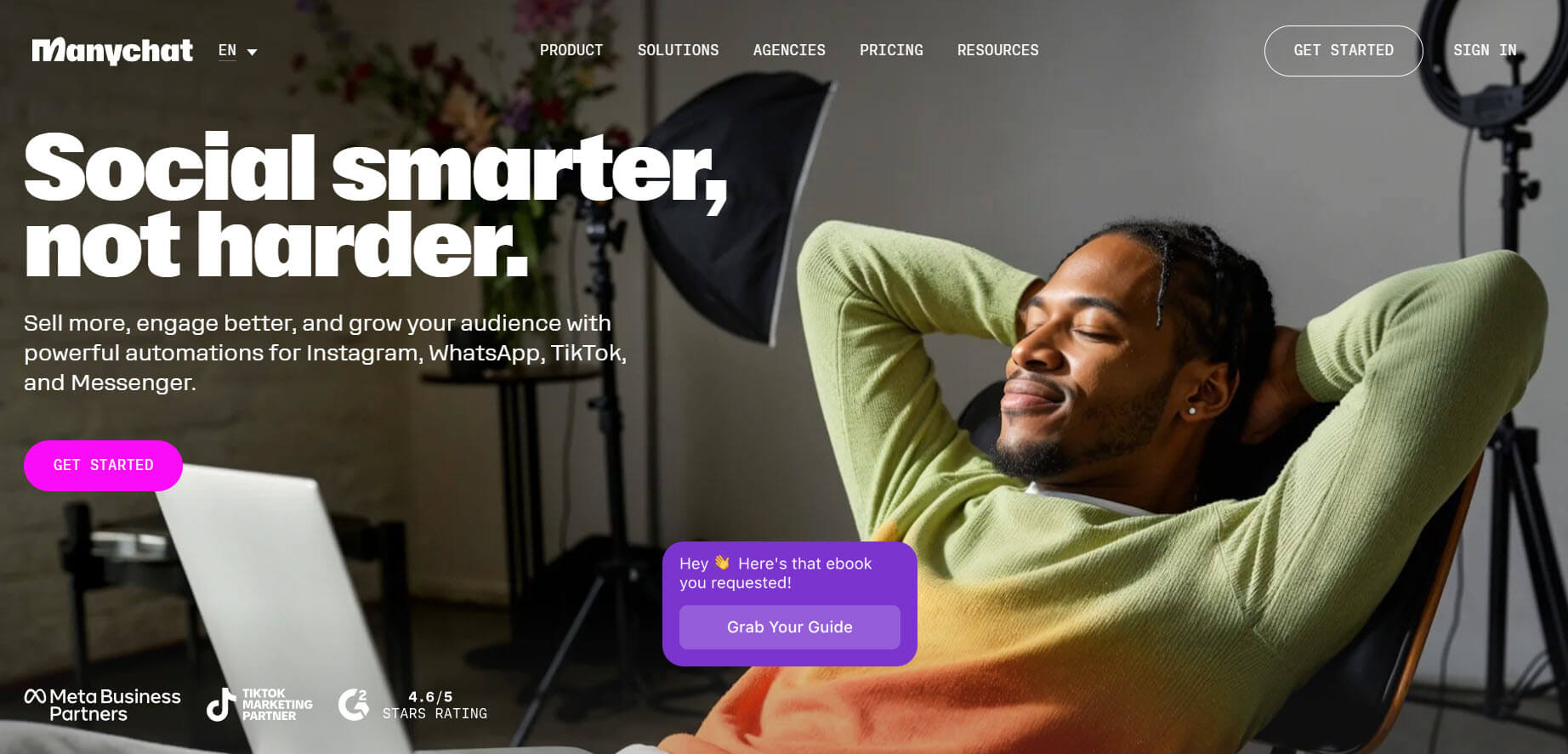
Tools like ManyChat, Botpress, and Landbot allow you to design structured conversation flows with buttons, conditions, and automation. These tools help reduce friction and guide users toward actions like lead capture or bookings.
Conversion-focused chatbot platforms
Platforms like Elephant.ai focus on improving conversions by analyzing user behavior and guiding them toward the next step. These tools often use AI to personalize interactions and increase engagement.
Analytics and tracking tools
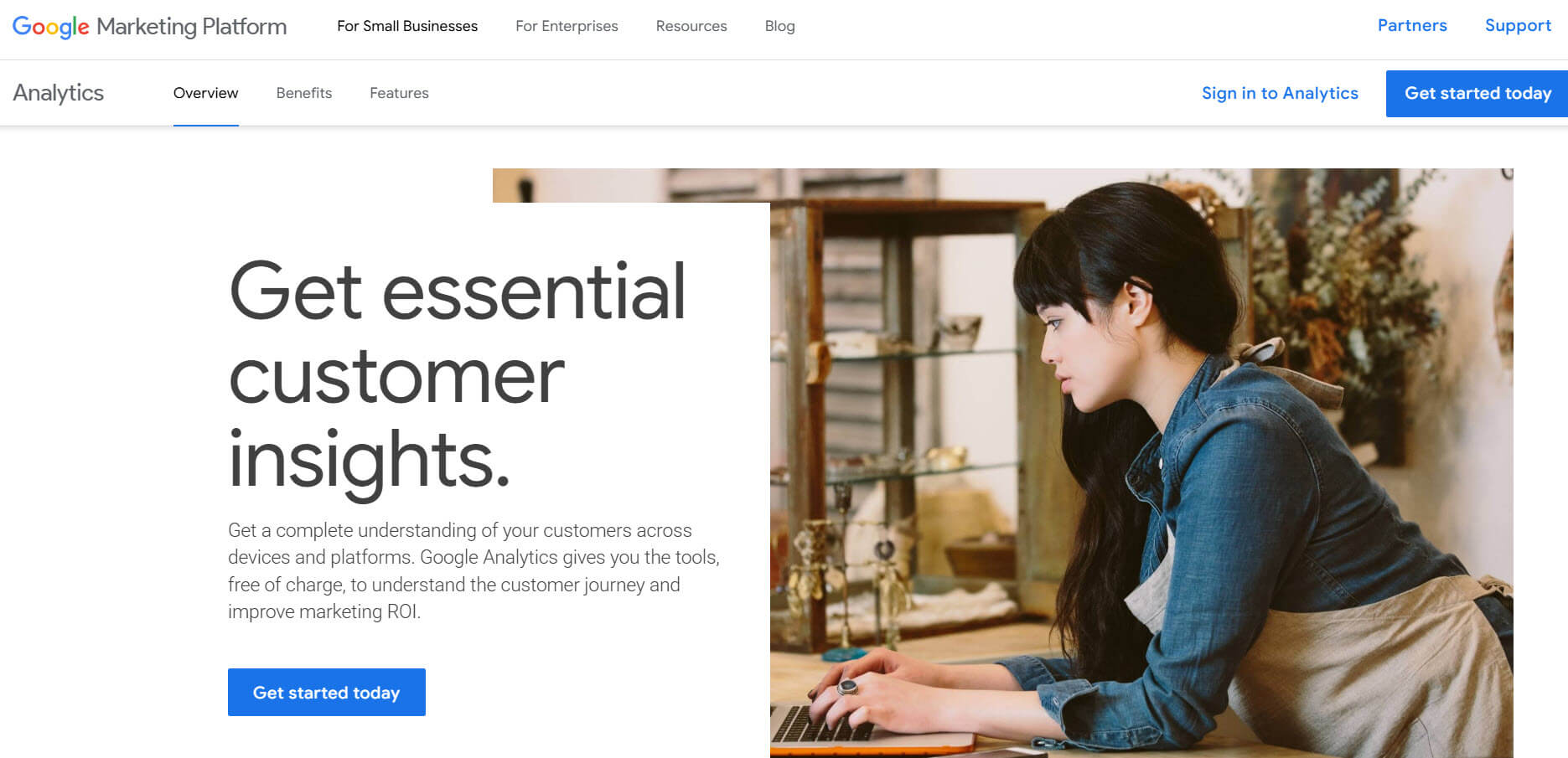
Tools like Google Analytics and Dashbot help track user behavior, drop-off points, and conversion rates. This data is essential for identifying weak spots in your chatbot flow.
Automation and integration tools
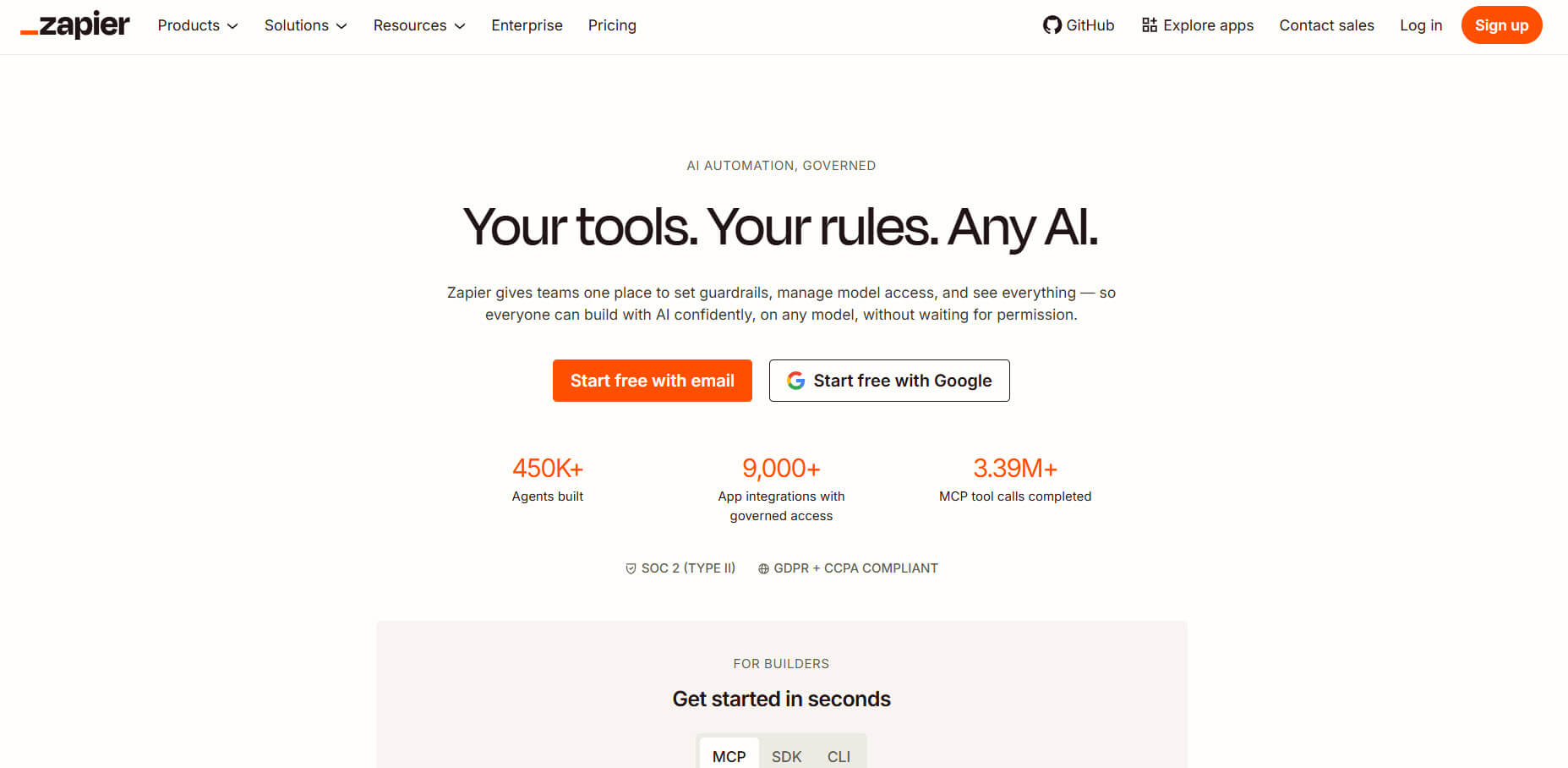
Tools like Make and Zapier connect your chatbot with CRMs, email tools, and databases. This ensures that leads are captured and automatically followed up on, directly improving conversions.
Key takeaway
High-converting chatbots are not built with a single tool. They combine flow builders, analytics, and automation to reduce friction, clearly guide users, and continuously improve performance.
Frequently asked questions
What is a good chatbot conversion rate?
A good chatbot conversion rate typically ranges between 10% and 30%, depending on the use case and industry. Lead generation bots often perform higher, while complex sales flows may have lower rates. The key is to improve your current rate continuously rather than aiming for a fixed benchmark.
Why is my chatbot not converting users?
Most chatbots fail to convert due to long flows, unclear goals, generic responses, and a lack of direction. If users do not know what to do next or face too many steps, they drop off before completing the action.
How can I quickly increase chatbot conversion rates?
You can improve conversion rates quickly by reducing the number of steps, using quick reply buttons, adding clear CTAs, and capturing key information earlier in the conversation.
How many steps should a chatbot flow have?
A high-converting chatbot flow should typically have 3 to 7 steps. Shorter flows reduce friction and increase the likelihood that users complete the desired action.
Should I use buttons or open text inputs in chatbots?
Buttons and quick replies are better for conversions because they reduce effort and guide users. Open text inputs should only be used when necessary.
Does personalization improve chatbot conversion rates?
Yes, personalization improves conversion rates by making responses more relevant to the user’s intent. Using conditional logic to adapt flows based on user input improves engagement and completion rates.
When should I add human handoff in a chatbot?
You should add human handoff when users show high intent, such as asking for pricing, demos, or detailed information. This helps close conversions that automation alone may not achieve.
How do I track chatbot conversion rate?
You can track the chatbot’s conversion rate by dividing the number of users who complete a specific goal by the total number of users who interact with the chatbot. Tools like analytics platforms can help monitor this data.
What is the biggest mistake in chatbot optimization?
The biggest mistake is trying to do too much in one flow. Chatbots perform better when each flow focuses on a single goal with a clear path to conversion.
Do follow-ups increase chatbot conversions?
Yes, follow-ups significantly increase conversions because many users do not act on the first interaction. Timely reminders and follow-up messages can bring users back and help them complete the process.
Conclusion
Improving chatbot conversion rates comes down to one core principle: guiding users toward a clear action with minimal friction.
Most chatbots fail because they focus on conversations rather than outcomes, leading to drop-offs and missed opportunities.
In this guide, you learned how to fix that by simplifying flows, using structured inputs, adding clear CTAs, and optimizing each step based on user behavior. You also saw how real workflows, tools, and tracking metrics play a role in improving performance.
When done right, a chatbot becomes more than a support tool; it becomes a conversion engine that captures leads, qualifies users, and drives real business results.