By Francisco Mastromarino, Founder, Quick.bot · June 24, 2026
WhatsApp Shared Inbox for Teams: Let Multiple Staff Reply From One Number
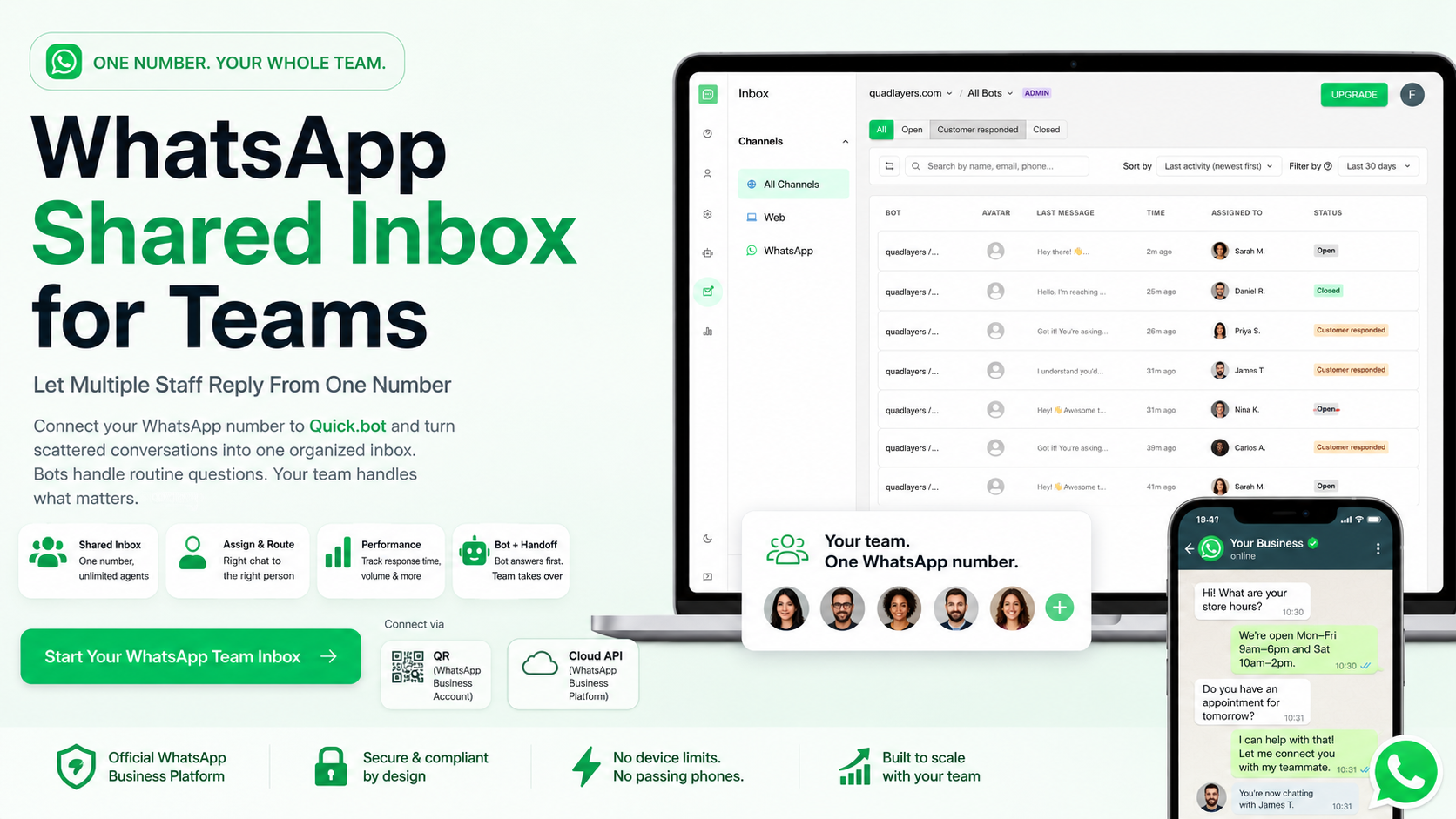
If WhatsApp inquiries keep landing on just a couple of phones, you’ve hit the WhatsApp Business app’s ceiling: one phone plus four linked devices, with no way to assign chats or track response times. The fix is to connect that number to a shared inbox. Quick.bot does this via QR (your WhatsApp Business account) or the Cloud API — and either way, your whole workspace replies from the same number through human handoff.
Below: why the app bottlenecks teams, how a shared inbox fixes it, and how the main platforms compare.
Why do WhatsApp inquiries only reach a few phones?
Because the free WhatsApp Business app is built for a single owner, not a team. It lets you link one primary phone plus up to four extra devices — five in total — and Meta Verified raises that to ten (one phone plus nine linked devices). Every device sees the same inbox, which sounds like a team setup but isn’t.
The real limits show up fast: there’s no way to assign a conversation to a specific person, no routing, and no analytics on response times, volume, or individual agent performance. Three agents on the same account all see every message, and any of them might reply — or assume someone else will. Past two or three people, “passing the WhatsApp phone around” turns into missed messages and no accountability.
How can multiple staff reply from one WhatsApp number?
You connect your number to Quick.bot and let your team work inside one shared inbox instead of on linked handsets. Quick.bot is WhatsApp-first and offers two ways to connect: by QR, using your existing WhatsApp Business account, or via the Cloud API (the WhatsApp Business Platform). The QR route is the fastest start with no migration; the Cloud API suits higher volume and official-API needs.
In both cases, every member of your workspace replies from the same number through one inbox, thanks to human handoff — a bot or a teammate can pass any conversation to anyone on the team. Agents log in to Quick.bot with their own credentials, so your team size isn’t capped by the app’s device limit and nobody trips over each other. The number stays owned by the business, not tied to one person’s handset.
How do you make sure the right person handles each chat?
With assignment and routing. A shared inbox lets you assign a conversation to an agent or a team, so ownership is clear and nothing slips through. You can route by topic, language, or workload instead of hoping the right person spots the message.
This is also where Quick.bot’s native human handoff matters: a bot can answer routine questions first, and a teammate can step into any conversation, at any point, straight from the shared inbox — no third-party agent tool like Chatwoot to wire in. The bot filters the repetitive volume; your people handle what needs judgment. (More on that pattern in our guide to automating FAQs and escalating to staff.)
How do you track team performance on WhatsApp?
You can’t, on the app — it reports none of it. A shared-inbox platform is what gives you the numbers that matter: first response time, resolution rate, conversation volume, messages per agent, and human handoff rate. Those let you see who’s responsive, where the backlog builds, and whether automation is actually reducing load.
Track the same metrics over time and you can staff to demand instead of guessing. (For definitions and what “good” looks like, see the metrics section of our scaling support guide.)
What to look for in a scalable WhatsApp team platform
The right platform turns one WhatsApp number into a real team operation. Check for:
- Flexible connection — via QR using your WhatsApp Business account, or the official Cloud API — so you can start fast and scale without switching tools.
- Shared inbox with per-agent logins — every staff member replies from the same number, no device limit, no shared handset.
- Conversation assignment and routing, so each chat has a clear owner.
- Performance analytics — response time, volume, resolution, and per-agent activity.
- Native bot + human handoff — automate routine questions and let a person take over any chat at any point, without bolting on a separate inbox like Chatwoot.
- No-code setup, so operations or marketing runs it without a developer.
- Native WordPress / WooCommerce integration if your site runs on WordPress.
- Room to add channels like Web and Instagram from the same inbox.
A tool that gives you a shared inbox but no analytics leaves you blind on performance. One with analytics but no handoff makes your team do work a bot should absorb. The scalable choice covers both.
The best platforms, compared
An honest look at the options for this exact need.
| Platform | Shared inbox, one number | Assignment & routing | Performance analytics | Native bot + handoff | No-code | WordPress / WooCommerce | Best for |
|---|---|---|---|---|---|---|---|
| WhatsApp Business app | Same inbox, up to 5 devices | No | No | Basic auto-replies only | Yes | No | A solo owner or 2–3 people |
| Quick.bot | Yes | Yes | Yes | Yes — handoff is native | Yes | Native | SMBs & agencies on WhatsApp that want a team inbox plus bot and handoff |
| Respond.io | Yes | Yes | Yes | Yes | Yes | Via integration | Larger omnichannel contact-center teams |
| Tidio | Yes | Yes | Yes | Bot yes; WhatsApp as add-on | Yes | Plugin | Website-first live chat |
Where each genuinely fits: the WhatsApp Business app is fine for a solo owner or a two-to-three-person shop that just needs shared access. Respond.io is strong for larger, multi-channel contact-center setups. Tidio shines when your website is the main support channel. Quick.bot is built for teams whose primary channel is WhatsApp and who want the shared inbox, the bot, and native handoff in one no-code tool — with native WordPress and WooCommerce support if you run on WordPress. It connects either by QR (your WhatsApp Business account) or the Cloud API, so you can start without migrating.
When Quick.bot is the right fit — and when it isn’t
It’s the right fit when WhatsApp is where your team sells and supports, you’ve outgrown passing a phone around, you want a shared inbox plus a bot that filters routine questions and hands the rest to a person, and you don’t have a developer to set it up — especially on WordPress or WooCommerce.
It’s probably not the best fit when you need a full enterprise omnichannel contact center across many channels (Respond.io and enterprise suites are built for that), or when your website — not WhatsApp — is your main support surface (Tidio leans that way). Match the platform to your primary channel before you weigh feature lists.
How to set it up
A typical move from “phones piling up” to a real team inbox looks like this:
- Connect your number to Quick.bot — by QR with your WhatsApp Business account, or via the Cloud API (no developer required).
- Connect the shared inbox and invite your staff — each gets their own login.
- Set assignment and routing rules so conversations land with the right person.
- Add a bot for routine questions and set handoff triggers, so the bot filters volume and a teammate takes over when needed.
- Watch the metrics — response time, volume per agent, handoff rate — and adjust staffing and flows from there.
Frequently Asked Questions
Can multiple people use the same WhatsApp Business number?
Yes. The WhatsApp Business app supports one primary phone plus four linked devices, but everyone shares one inbox with no assignment or analytics. For a real team — multiple agents replying from one number with routing and performance tracking — you connect the number to Quick.bot (via QR with your WhatsApp Business account, or the Cloud API), and your whole workspace handles it through human handoff.
How many devices or agents can use one WhatsApp number?
On the free app, five devices total (one phone plus four linked). Meta Verified raises it to ten. The WhatsApp Business Platform removes the cap entirely, so every team member logs in with their own credentials. With Quick.bot, agents work inside the workspace rather than as linked devices, so whether you connect by QR or the Cloud API, the whole team can handle the same number through human handoff — not bound by the app’s device limit.
Can I track agent performance on WhatsApp?
Not on the WhatsApp Business app — it provides no analytics. A shared-inbox platform reports first response time, resolution rate, conversation volume, per-agent activity, and human handoff rate, so you can measure and improve your team’s performance.
How is a shared inbox different from linked devices?
Linked devices just mirror the same inbox on more screens — no ownership, routing, or reporting. A shared inbox adds per-agent logins, conversation assignment, routing rules, and analytics, which is what makes it work for a growing team.
Do I need a developer to set this up?
No. Quick.bot is no-code: operations or marketing can connect the number, add agents, set routing and handoff, and read the metrics without engineering help.
Does this work with WordPress or WooCommerce?
Yes. Quick.bot integrates natively with WordPress and WooCommerce, so a WordPress or WooCommerce store can add a WhatsApp shared inbox and bot with minimal setup.
Stop passing the WhatsApp phone around
Get started with Quick.bot, or read how to automate routine questions and escalate the rest to your team.